EAC
EAC
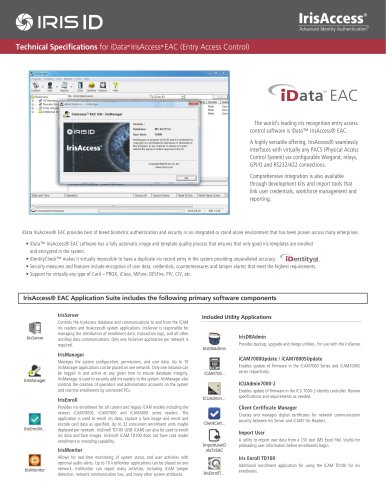
The IrisAccess® EAC Application Suite is a comprehensive biometric authentication and security solution that integrates seamlessly with various Physical Access Control Systems (PACS). It includes several utility applications and supports a wide range of card types for enhanced security.
Key Software Components:
- IrisServer: Manages the IrisAccess database and communications, handling enrollment data and transaction logs.
- IrisDBAdmin: Provides utilities for backup, upgrade, and merging of data.
- ICUAdmin7000-2: Updates firmware in the ICU 7000-2 identity controller.
- Client Certificate Manager: Manages digital certificates for secure network communication.
- Import User: Imports user data from CSV files for pre-enrollment preparation.
- Iris Enroll TD100: Facilitates iris enrollment using the iCAM TD100.
- iCAM7000Update / iCAM7000SUpdate: Updates firmware in the iCAM7000 series.
- IrisMonitor: Monitors system status and user activities in real-time with optional alerts.
- IrisManager: Manages system configuration, permissions, and user data, ensuring database integrity.
- IrisEnroll: Provides iris enrollment for various iCAM models, capturing face images and encoding card data.
Operational Modes:
- Networked iCAM Control: Processes iris data on a PC workstation or ICU7000-2 controller.
- On-Device iCAM Authentication: Supports 1:N / 1:1 and 3-factor authentication directly on the device.
System Requirements:
- Operating Systems: Windows 2000/XP, Vista, 7, 8.1, 10, 2008 & 2012 server.
- Hardware: Pentium Compatible 1.8 GHz Processor, 1 GB Memory, 10 GB Hard Disk, CD/DVD Drive, Ethernet Port.
Security Features:
- Data encryption using DES and 3 DES options.
- Support for smart card verification with encrypted iris templates.
Integration and Compatibility:
- Supports MS SQL, Oracle, and MS Access databases.
- Compatible with various access control panels and can operate as stand-alone authentication readers.
Conclusion:
The IrisAccess® EAC Application Suite offers robust security features and versatile integration options, making it suitable for a wide range of enterprise environments.
Catalog excerpts
''wP * B I Advanced Identity Authentication’ Technical Specifications for iData™ IrisAccess ® EAC (Entry Access Control) ^ata' EAC The world's leading iris recognition entry access control software is iData™ IrisAccess® EAC. A highly versatile offering, IrisAccess® seamlessly interfaces with virtually any PACS (Physical Access Control System) via configurable Wiegand, relays, GPI/O and RS232/422 connections. Comprehensive integration is also available through development kits and import tools that link user credentials, workforce management and reporting. iData IrisAccess® EAC provides best of breed biometric authentication and security in an integrated or stand-alone environment that has been proven across many enterprises. • iData™ IrisAccess® EAC software has a fully automatic image and template quality process that ensures that only good iris templates are enrolled and encrypted in the system. • iDentityCheck™ makes it virtually impossible to have a duplicate iris record entry in the system providing unparalleled accuracy. ciDentityEf. • Security measures and features include encryption of user data, credentials, countermeasures and tamper alarms that meet the highest requirements. • Support for virtually any type of Card - PROX, iClass, MiFare, DESFire, PIV, CIV, etc. Controls the IrisAccess database and communications to and from the iCAM iris readers and IrisAccess® system applications. IrisServer is responsible for managing the distribution of enrollment data, transaction logs, and all other ancillary data communications. Only one IrisServer application per network is required. Manages the system configuration, permissions, and user data. Up to 10 IrisManager applications can be placed on one network. Only one instance can be logged in and active at any given time to ensure database integrity. IrisManager is used to securely add iris readers to the system. IrisManager also controls the creation of operators and administrator accounts on the system and restricts enrollments by connected PCs. Provides iris enrollment for all current and legacy iCAM models including the newest iCAM7000S, iCAM7000 and iCAM4000 series readers. The application is used to enroll iris data, capture a face image and enroll and encode card data as specified. Up to 32 concurrent enrollment units maybe deployed per network. IrisEnroll TD100 (USB iCAM) can also be used to enroll iris data and face images. IrisEnroll iCAM TD100 does not have card reader enrollment or encoding capability. Allows for real-time monitoring of system status and user activities with optional audio alerts. Up to 10 IrisMonitor applications can be placed on one network. IrisMonitor can report many activities, including iCAM tamper detection, network communication loss, and many other system attributes. Included Utility Applications Provides backup, upgrade and merge utilities. For use with the IrisServer. Enables update of firmware in the iCAM7000 Series and iCAM7000S series respectively. Enables update of firmware in the ICU 7000-2 identity controller. Review specifications and requirements as needed. Client Certificate Manager Creates and manages digital certificates for network communication security between Iris Server and iCAM7 Iris Readers. Import User A utility to import user data from a CSV text (MS Excel file). Useful for preloading user information before enrollments begin. Additional enrollment application for using the iCAM TD100 for iris enrollment.
Open the catalog to page 1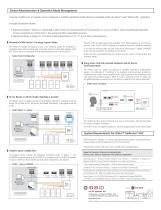
Device Administration & Operation Mode Management IrisAccess iCAM7 series iris readers can be configured in multiple operational modes which are selectable within the device’s web “WebConfig” application. Available Operational Modes: • Operational Mode 1 (Option 1): Networked iCAM Control (iris data processed on PC workstation or on an ICU7000-2 series controller)ally impossible to have a duplicate iris record entry in the system providing unparalleled accuracy. • Operational Mode 3 (Option 3): On-Device iCAM Authentication (1:N / 1:1 and 3 factor authentication.) Networked iCAM Control / Iris...
Open the catalog to page 2All IRIS ID catalogs and technical brochures
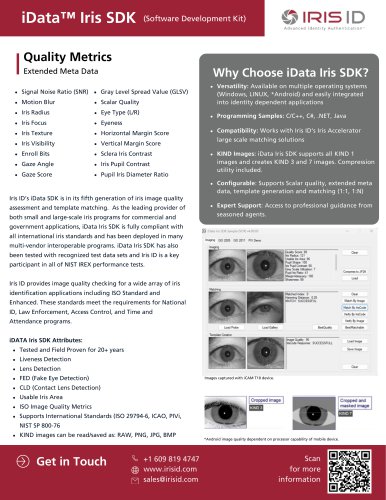 iData Iris
1 Page
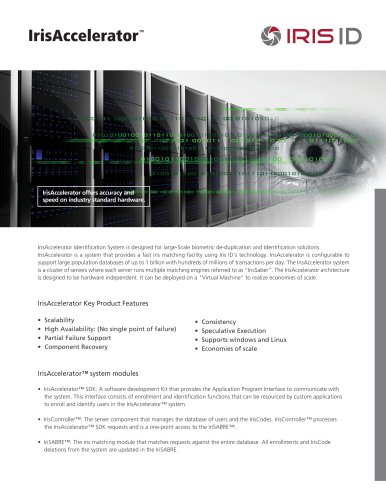 IrisAccelerator
2 Pages
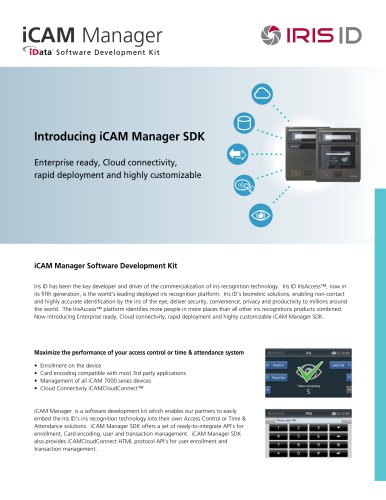 iCAM Manager
2 Pages
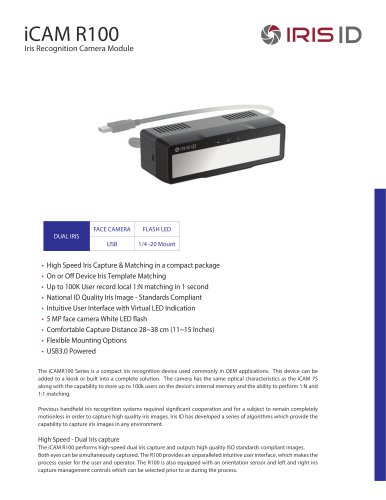 iCAM R100
2 Pages
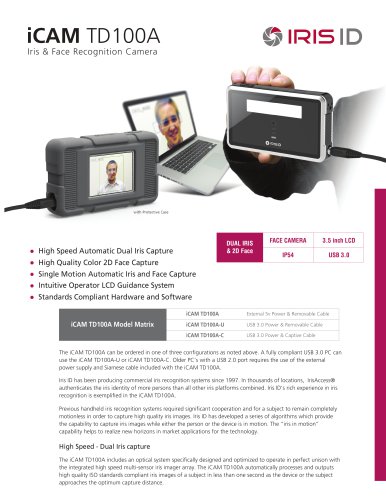 iCAM TD100A
2 Pages
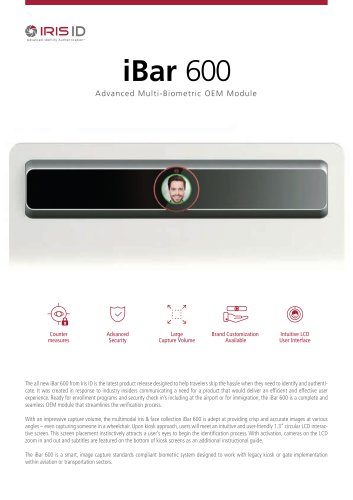 iBar 600
2 Pages
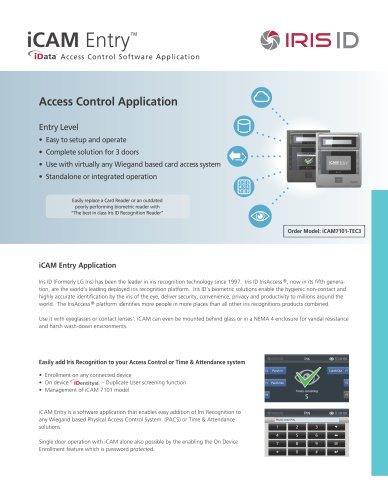 iCAM Entry
2 Pages
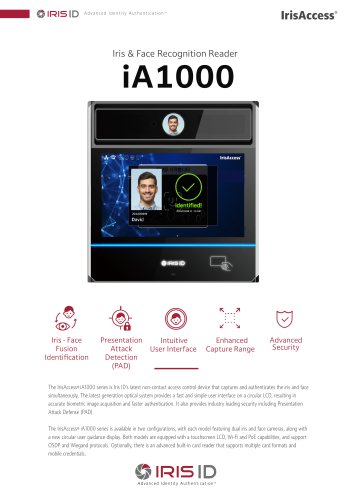 iA1000
2 Pages
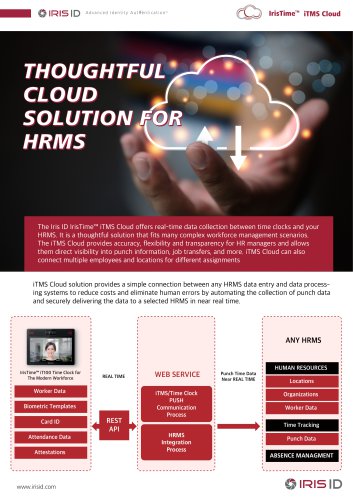 iTMS Cloud Solution
3 Pages
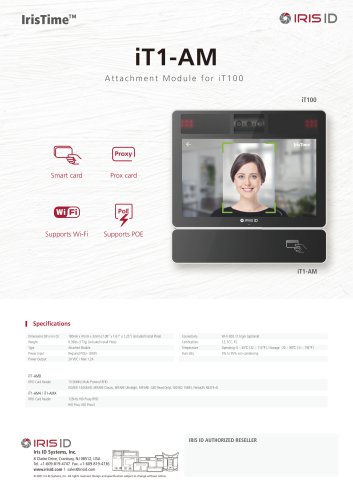 iT-AM
iT-AM1 Page
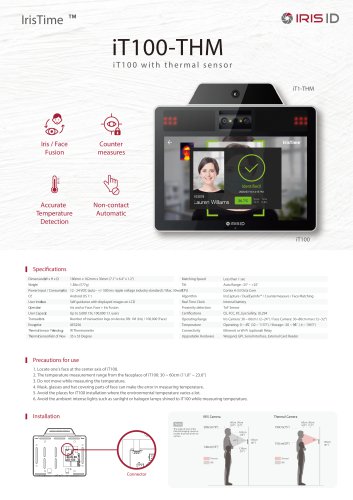 iT100-THM
1 Page
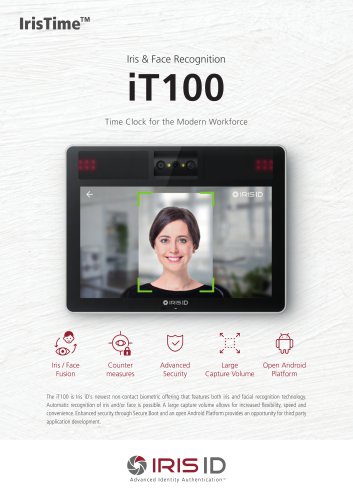 iT100
iT1002 Pages
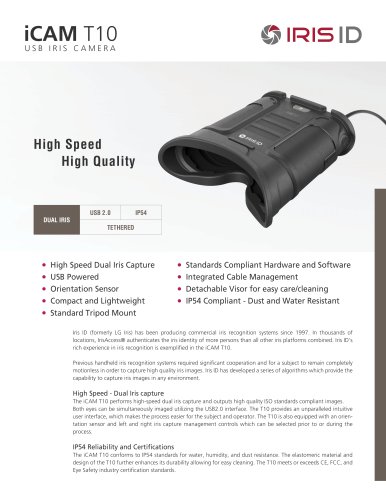 iCAM T10
2 Pages
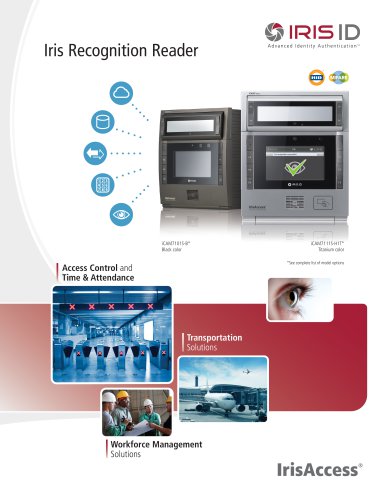 iCAM7S
4 Pages
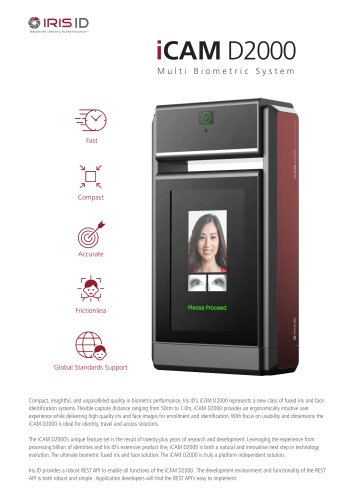 iCAM D2000
2 Pages
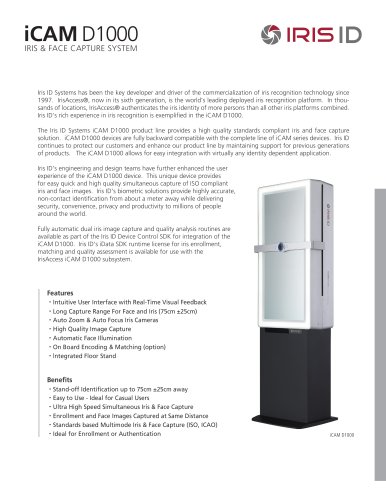 iCAM D1000
2 Pages
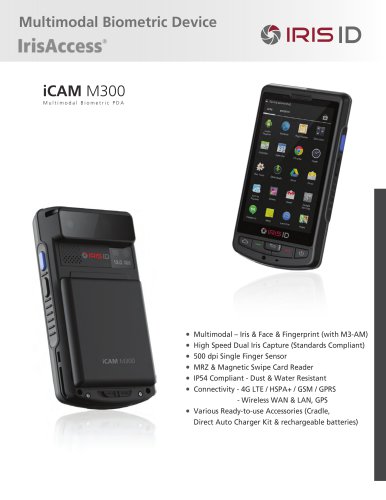 iCAM M300
2 Pages