- Company
- Products
- Catalogs
- News & Trends
- Exhibitions
User guide beltpack Airlink 2085
User guide beltpack Airlink 2085
- Radio: Frequency range is 1870 - 1930 MHz, with transmit power of 23 dBm (EU) and 21 dBm (US/JPN). Receive sensitivity ranges from -93 to -89 dBm. Modulation is GFSK 1.152 Mbaud with a range up to 300 meters.
- Audio: Bandwidth is 150 Hz to 6500 Hz at -3 dB. Beltpack input is 250 mV Nominal RMS / 150 Ω, and output is 2.5 V to 5.5 V Nominal RMS / 600 Ω.
- Environment: Operating temperature is -20°C to +60°C, charging temperature is 0 to +45°C, with IP64 protection level and a drop resistance of about 2 meters.
- Battery: 2350mAh 3.7V Li-Ion with up to 20 hours of life.
- Dimensions and Weight: 128x61x38mm, 300g.
- Adjustments and maintenance should follow manufacturer instructions. Regular inspections are advised to detect any damage.
- Ensure the audio-electric input device functions properly before use.
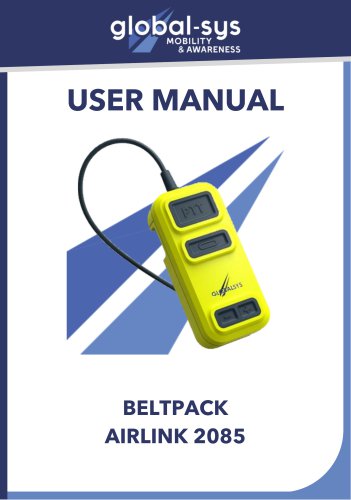
The Airlink 2085 beltpack is designed for wireless communication with aircraft via an Airlink 2085 aircraft base. It is adaptable to various headsets and features a removable battery pack.
Storage and Maintenance- Store in a dry, clean place at room temperature, away from direct sunlight.
- Clean with mild soap and water only. Avoid exposure to extreme weather conditions.
- Features include LED charging indicator, USB-C charger, removable battery, ON/OFF button, STATUS indicator, volume buttons, and PTT button.
- Press the bottom button for 3 seconds to turn the device ON or OFF.
- Use the PTT button to activate the microphone.
- Adjust audio volume with the “+” and “-” buttons.
- Remove the battery by pressing the side lockers and sliding it out.
- Battery can be charged via USB-C or rack charger. LED indicators show battery status.
- For pairing, ensure devices are not already paired, then press the ON/OFF button twice on each device. Successful pairing is indicated by slow flashing LEDs.
GLOBALSYS, 2b, avenue des coquelicots, 94380, Bonneuil-Sur-Marne. Phone: +331 43 99 42 17, Email: [email protected], Website: global-sys.com
Catalog excerpts
USER MANUAL
Open the catalog to page 1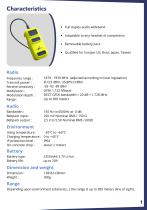
• Full duplex audio wideband • Adaptable to any headset of competition • Removable battery pack • Qualified for Europe, US, Brazi, Japan, Taiwan Frequency range : Transmit power: Receive sensitivity: Modulation : Modulation depth : Range : Bandwidth : Beltpack input: Beltpack output: 1870 - 1930 MFIz (adjusted according to local regulation) EU:23 dBm; US/JPN:21dBm -93 -92 -89 dBm GFSK 1.152 Mbaud DECT GFSK bandwidth = 20 dB < 1,728 MHz Up to 300 meters Charging temperature : 0 to+45°C IP protection level: IP64 On-concrete drop : about 2 meters Battery type: 2350mAh 3.7V Li-Ion Depending upon...
Open the catalog to page 2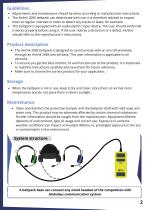
• Adjustments and maintenance should be done according to manufacturer instructions. • The Airlink 2085 beltpack can deteriorate with use, it is therefore advised to inspect them at regular intervals in order to detect any cracks or leaks, for example . • This beltpack is equipped with an audio-electric input device. The user should verify that it works properly before using it. If the user notices a distortion or a defect, he/she should refer to the manufacturer's instructions. • The Airlink 2085 beltpack is designed to communicate with an aircraft wirelessly through an Airlink 2085 aircraft...
Open the catalog to page 3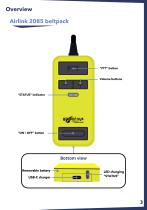
Overview Airlink 2085 beltpack “PTT” button Volume buttons “STATUS” indicator Bottom view Removable battery USB-C charger
Open the catalog to page 4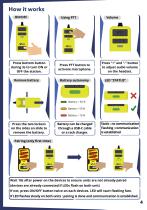
Press bottom button during 3s to turn ON or OFF the station. Remove battery Press PTT button to activate microphone. Battery autonomy Press “+” and ”-” button to adjust audio volume on the headset. Battery > 50 % Battery < 50 % Battery < 10 % Press the two lockers on the sides an slide to remove the battery. Battery can be charged through a USB-C cable or a rack charger. Static : no communication Flashing : communication is established Pairing (only first time) Wait 10s after power on the devices to ensure units are not already paired (devices are already connected if LEDs flash on both unit)...
Open the catalog to page 5
2b, avenue des coquelicots, 94380, Bonneuil-Sur-Marne Phone : +331 43 99 42 17 Mail : [email protected] Website : global-sys.com
Open the catalog to page 7All GLOBALSYS catalogs and technical brochures
 Brochure Airlink 3085
5 Pages
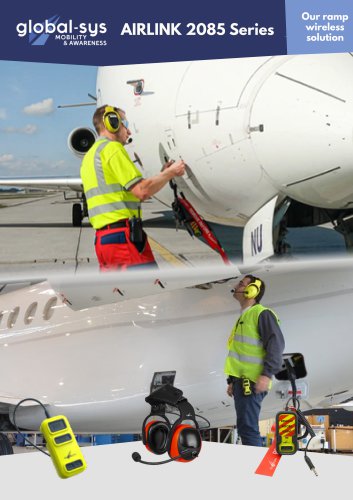 brochure Airlink 2085
5 Pages
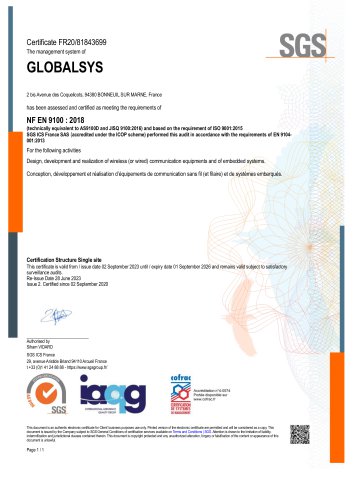 EN 9100: 2018
1 Page
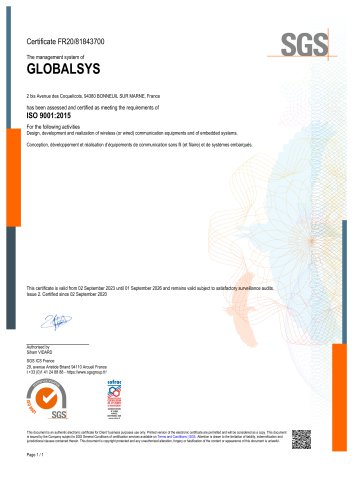 ISO 9001: 2015
1 Page
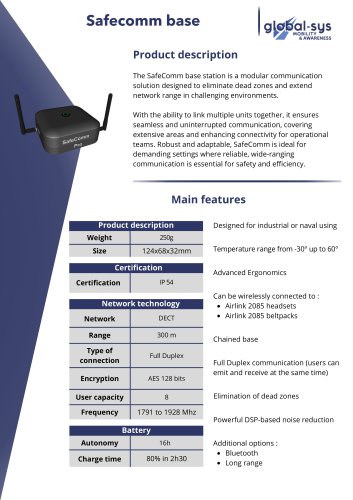 Safecomm base
2 Pages
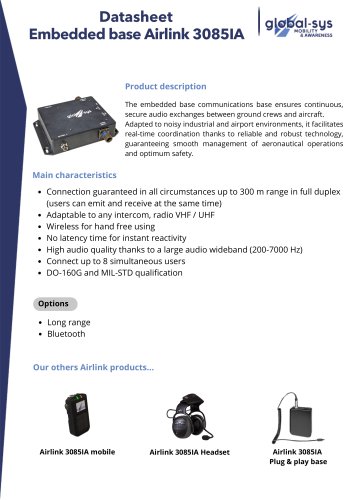 AIRLINK 3085
3 Pages
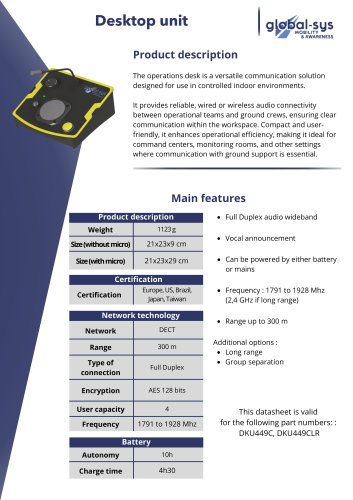 Desktop unit
2 Pages
 HEA-371
2 Pages
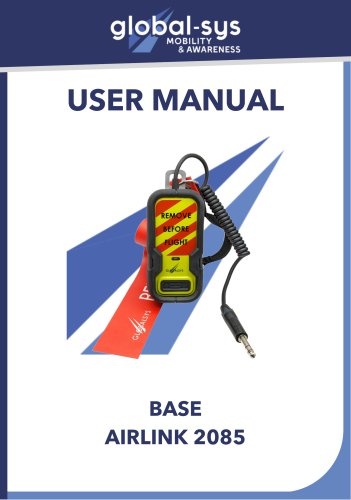 User guide base Airlink 2085
7 Pages
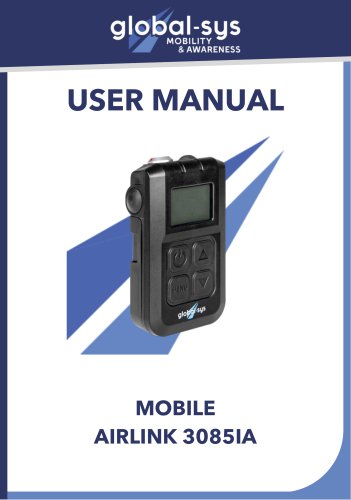 User-guide-mobile-Airlink-3085IA
11 Pages
 User guide 3085-IA headset
11 Pages
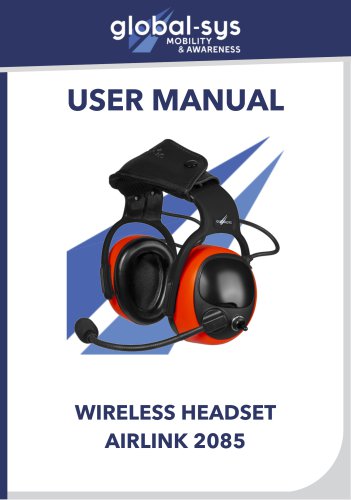 User guide Airlink 2085 headset
11 Pages
 User guide Hea 371 - NextGen
8 Pages