- Company
- Products
- Catalogs
- News & Trends
- Exhibitions
User guide Airlink 2085 headset
User guide Airlink 2085 headset
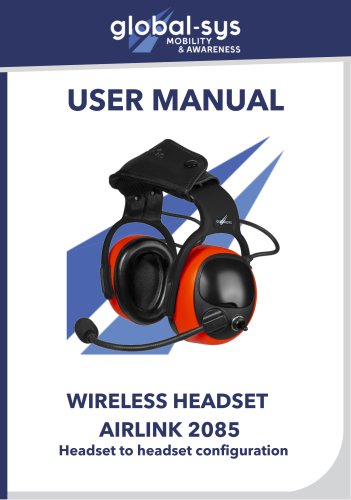
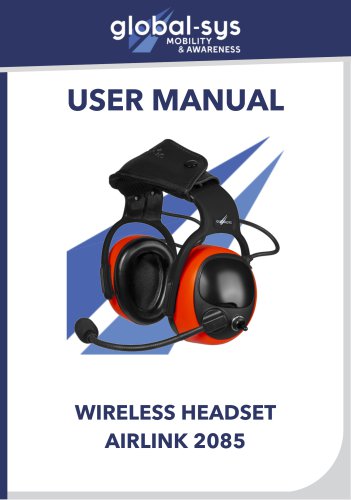
The Airlink 2085 wireless headset is designed for noise protection and wireless communication with an aircraft via an AirLink base station. It is suitable for ground applications only and not for use in aircraft flight decks.
Specifications
- Frequency Range: 1870 - 1930 MHz
- Transmit Power: EU: 23 dBm; US/JPN: 21 dBm
- Receive Sensitivity: -93 to -89 dBm
- Audio Bandwidth: 150 Hz to 6500 Hz at -3 dB
- Battery Type: 650mAh 4.2V LI-Po, Alkaline/NIMH
- Battery Life: Up to 6 hours with lithium battery, up to 12 hours with AA battery
- Dimensions: 180x180x100mm
- Weight: 565g
Noise Reduction
The headset provides a Noise Reduction Rating (NRR) of 26 dB and a Signal-to-Noise Ratio (SNR) of 32 dB. It is certified under various standards including EN352-1:2002 and EN352-6:2002.
Certifications
The product meets the Essential Health and Safety Requirements of the PPE regulation (EU) 2016/425 and conforms to FCC Part 15 standards.
Usage Guidelines
- Ensure the headset is worn correctly with the headband positioned properly.
- Adjust the height of the cups to fully enclose the ears.
- Regularly inspect the headset for any damage or wear.
- Use only manufacturer-approved hygiene kits for replacements.
Maintenance
Clean the headset with mild soap and water. Avoid exposure to extreme weather conditions and certain chemicals that may affect the product.
Warnings
Ensure a proper seal of the earmuff cushions against the head to maintain noise reduction. Be aware of surroundings as hearing protectors can reduce important signals.
Storage
Store the headset in a dry, clean place at room temperature, avoiding direct sunlight.
Pairing and Operation
To pair the headset, press the ON/OFF button twice on each device. Adjust the microphone to 1 cm from the mouth for optimal performance. Use the volume buttons to adjust audio levels.
Contact Information
For more information, visit the Globalsys website or contact them via phone or email.
Catalog excerpts
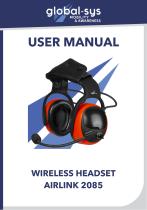
USER MANUAL WIRELESS HEADSET AIRLINK 2085
Open the catalog to page 1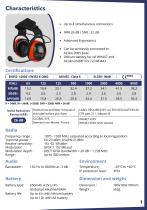
Advanced Ergonomics Can be wirelessly connected to Airlink 2085 base Lithium battery for ref WH407 and Alcaline/NIMH for ref WH443 Federal law prohibits removal of LABEL REQUIRED BY U.S EPA REGULATION 40 this label before purchase CFR part 211, subpart B Bonneuil-sur-Marne, France WH443 XXXX (VOX option) Frequency range : Transmit power : Receive sensitivity : Modulation : Modulation depth : Range : 1870 - 1930 MHz (adjusted according to local regulation) EU:23 dBm; US/JPN:21dBm -93 -92 -89 dBm GFSK 1.152 Mbaud DECT GFSK bandwidth = 20 dB < 1,728 MHz Up to 300 meters Battery type: 650mAh 4.2V...
Open the catalog to page 2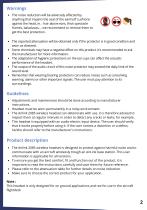
• The noise reduction will be adversely affected by anything that impairs the seal of the earmuff cushions against the head, ie. : hair above ears, thick spectacle frames, balaclavas,... we recommend to remove them to get the best protection. • The reported attenuation will be obtained only if the protector is in good condition and worn as directed. • Some chemicals may have a negative effect on this product. It's recommended to ask the manufacturer for more information. • The adaptation of hygienic protections on the ear cups can affect the acoustic performance of the headset. • The output of...
Open the catalog to page 3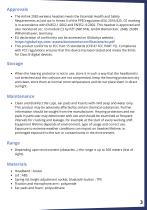
• The Airlink 2085 wireless headset meets the Essential Health and Safety Requirements as laid out in Annex II of the PPEDregulation (EU) 2016/425. CE marking is in accordance with EN352-1:2002 and EN352- 6:2002. This headset is approved and also monitored acc. to module C2 by PZT (NB1974), GmbH Bismarckstr. 264B, 26389 Wilhelmshaven, Germany. • EU declaration of conformity can be accessed on Globalsys website : https://global-sys.com/ assets/documents/certifications/eu.pdf • This product conforms to FCC Part 15 standards (CFR 47 FCC PART 15). Compliance with FCC regulations ensures that this...
Open the catalog to page 4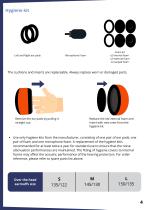
Left and Right ear pads Foam kit x2 internal foam x2 external foam x2 earpad foam Microphone Foam The cushions and inserts are replaceable. Always replace worn or damaged parts. Remove the ear pads by pulling it straight out. Replace the old internal foam and insert with new ones from the hygiene kit. Use only hygiene kits from the manufacturer, consisting of one pair of ear pads, one pair of foam and one microphone foam. A replacement of the hygiene kitis recommanded for at least twice a year for standard use to ensure that the noise attenuation performances are maintained. The fitting of hygiene...
Open the catalog to page 5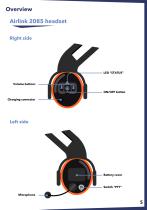
Overview Airlink 2085 headset Right side Volume buttons ON/OFF button Charging connector Left side Battery cover
Open the catalog to page 6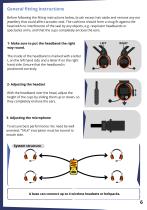
General fitting instructions Before following the fitting instructions below, brush excess hair aside and remove any ear jewellery that could affect acoustic seal. The cushions should form a snug fit against the head with no interference of the seal by any objects, e.g. respirator headbands or spectacles arms, and that the cups completely enclose the ears. 1- Make sure to put the headband the right way round. The inside of the headband is marked with a letter L on the left hand side and a letter R on the right hand side. Ensure that the headband is positioned correctly. 2- Adjusting the headset...
Open the catalog to page 7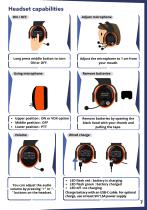
Adjust microphone Long press middle button to turn ON or OFF. Using microphone Remove batteries Upper position : ON or VOX option Middle position : OFF Lower position : PTT You can adjust the audio volume by pressing "+" or "" buttons on the headset. Adjust the microphone to 1 cm from your mouth. Remove batteries by opening the black hood with your thumb and pulling the tape. Wired charge LED flash red : battery is charging LED flash green : battery charged LED off : no charging Charge battery with an USB-C cable. For optimal charge, use at least 5V/1,5A power supply.
Open the catalog to page 8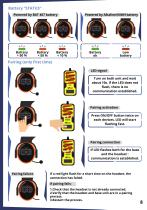
Battery “STATUS” Powered by BAT 407 battery Powered by Alkaline/NIMH battery Pairing (only first time) LED signal Turn on both unit and wait about 10s. If the LED does not flash, there is no communication established. Pairing activation Press ON/OFF button twice on each devices. LED will start flashing fast. Pairing connection If LED flashes both for the base and the headset : communication is established. Pairing failure If a red light flash for a short time on the headset, the connection has failed. If pairing fails: 1.Check that the headset is not already connected. 2.Verify that the headset...
Open the catalog to page 9
2b, avenue des coquelicots, 94380, Bonneuil-Sur-Marne Phone : +331 43 99 42 17 Mail : [email protected] Website : global-sys.com
Open the catalog to page 11All GLOBALSYS catalogs and technical brochures
 Brochure Airlink 3085
5 Pages
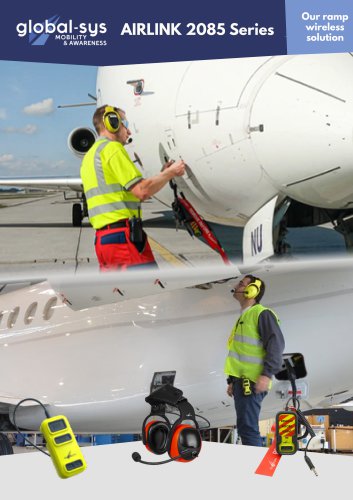 brochure Airlink 2085
5 Pages
 EN 9100: 2018
1 Page
 ISO 9001: 2015
1 Page
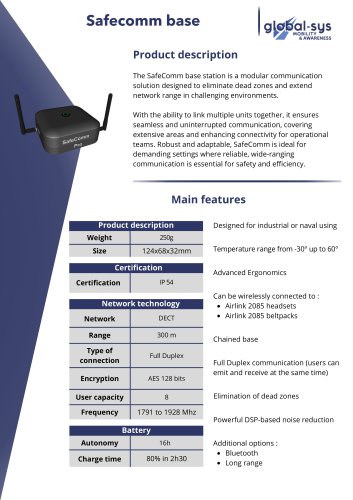 Safecomm base
2 Pages
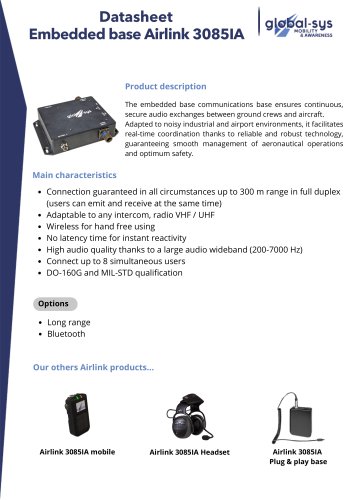 AIRLINK 3085
3 Pages
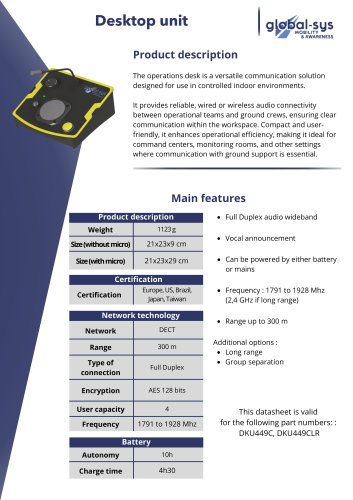 Desktop unit
2 Pages
 HEA-371
2 Pages
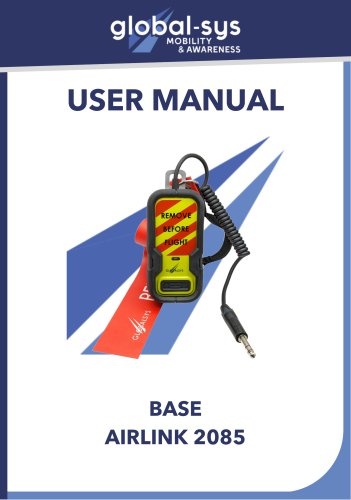 User guide base Airlink 2085
7 Pages
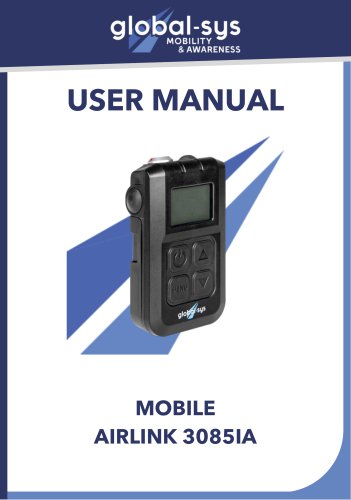 User-guide-mobile-Airlink-3085IA
11 Pages
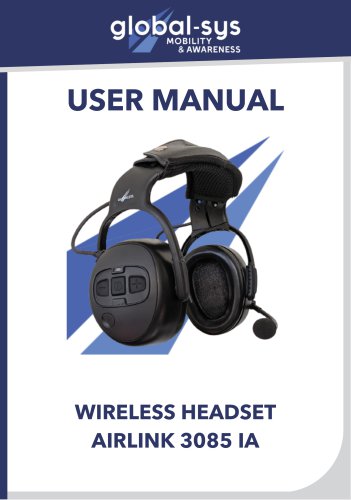 User guide 3085-IA headset
11 Pages
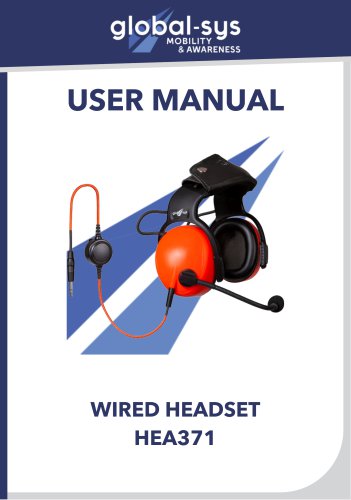 User guide Hea 371 - NextGen
8 Pages